
EKD16WI Hard Reset Wifi energizers come in handy by allowing us to check energizer voltage from your phone. Changes with the following can disrupt this feature:
- Wifi Connection
- Internet Providers
- New Smart phone
Follow the steps below if and when you have an issue with your EKD16WI energizer. These steps are for a hard rest to allow you to continue to monitor your voltage using your smartphone.
Step 1. Uninstall the app on the phone.
Step 2. Unplug the energizer.
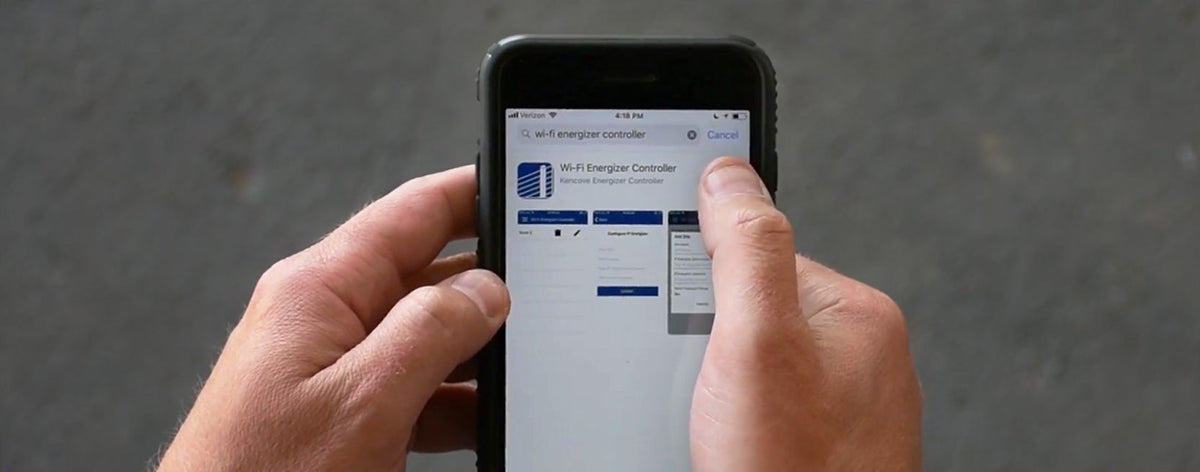
Step 3. Reinstall the app on your phone.
Step 4. Plug the energizer back in and press the power button and hold it for 5 to 8 seconds until it beeps.
Step 5. Use the Wi-Fi instructions in the Owner's Manual to re-establish the connection, as if you were setting up a new energizer.
If your troubles continue after following these steps, please call our office at (800) 536-2683 to speak with one of our Product Specialist.
